Montly Overtime Processing
How To add monthly overtime processing
- Go to payroll module
- Click on salary payout
- Click on Monthly Overtime processing

- Add monthly overtime processing
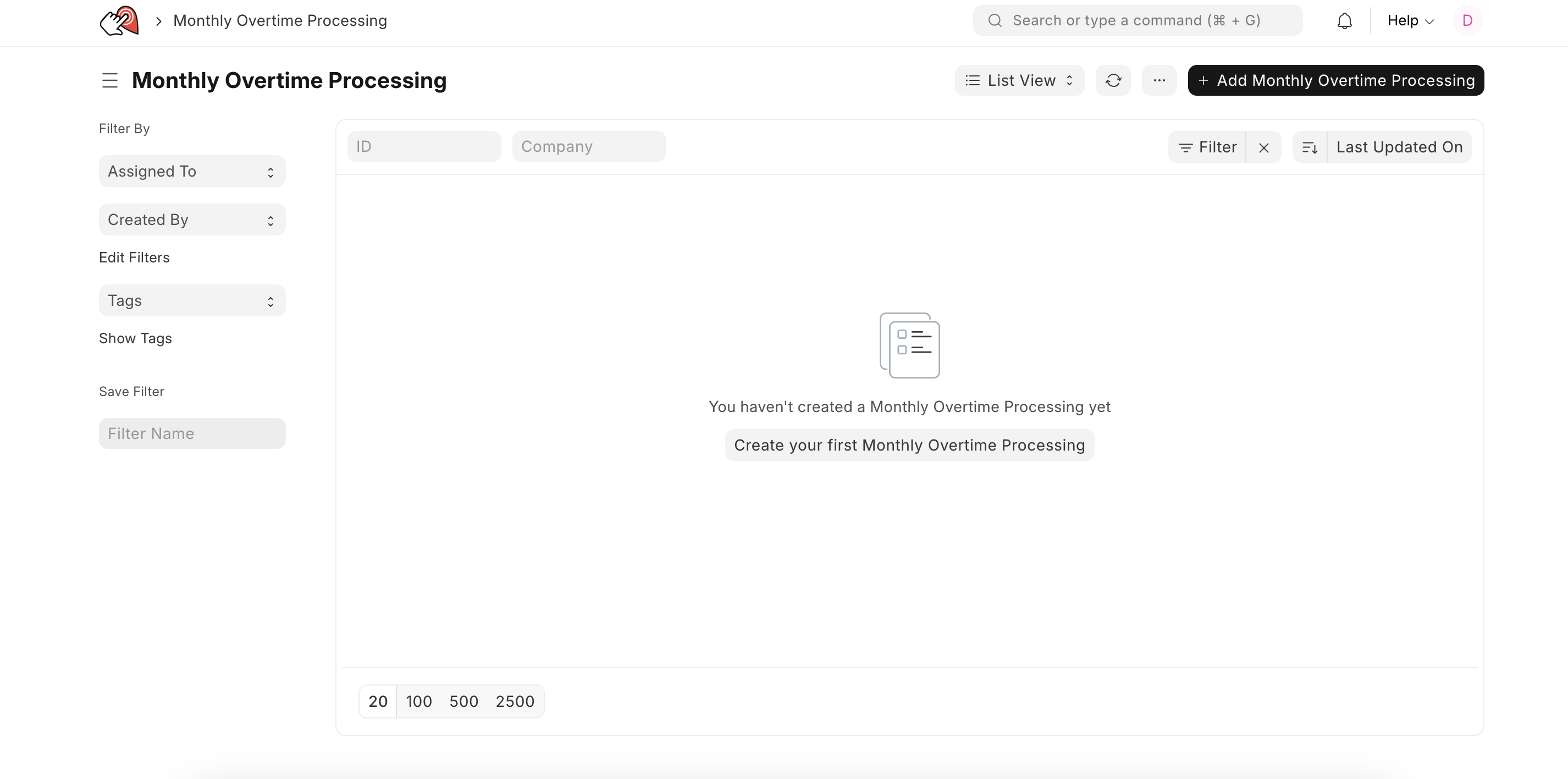
- Select the company
- Set the date range
- Select the posting date & payroll month
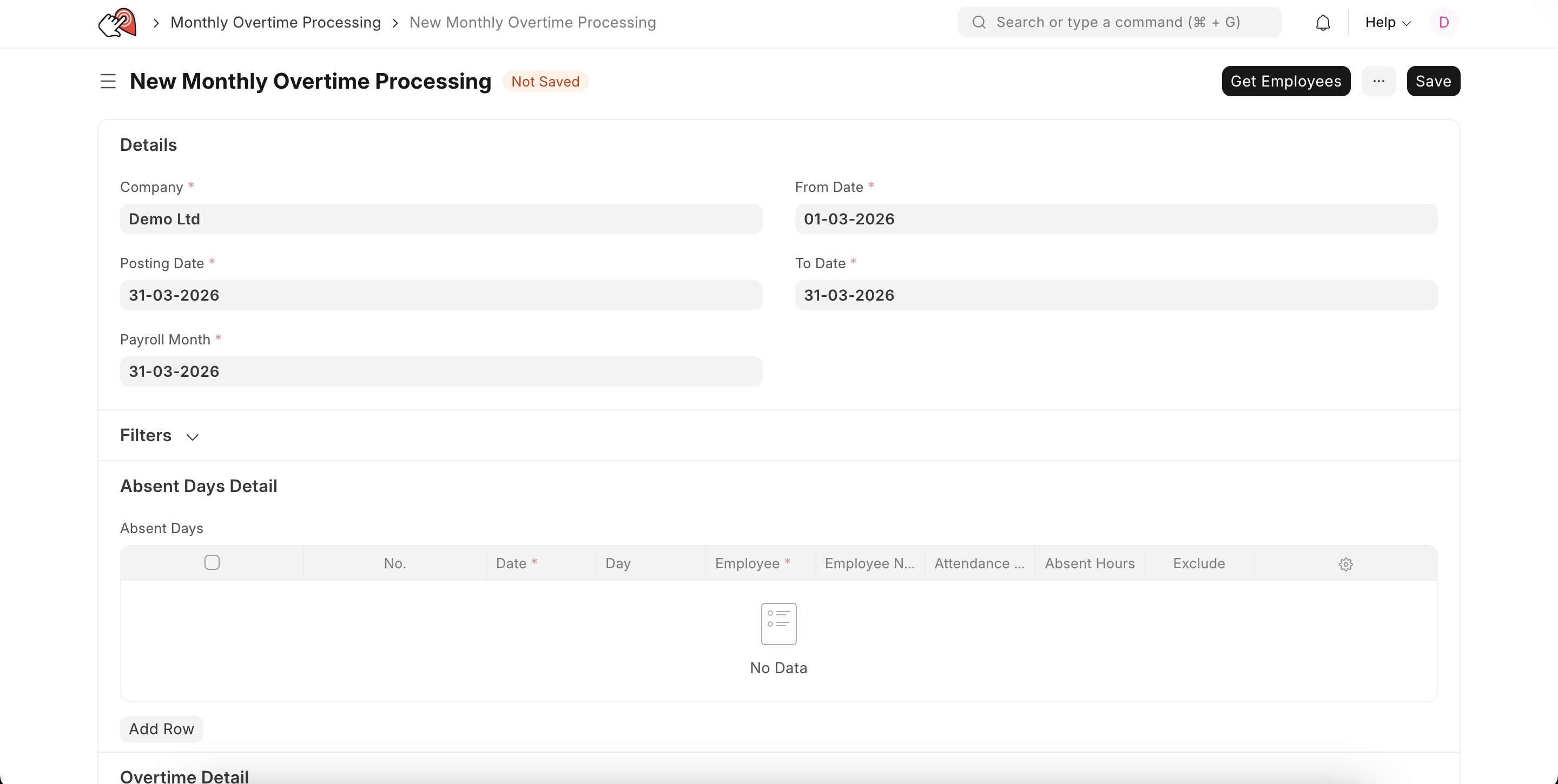
- Save
- Once you have saved click on get employees button


- Click on yes and once done it will populate employees data

- Once you have confirmed everything is correct click on the submit button

Last updated 4 months ago
Was this helpful?